
Product protection
Every unit carries its own code, and you get an alert when a code is checked more often than it should be.
Give every unit its own product code and a small SabiReal seal printed on the label. Buyers check it in seconds and see that your company issued it.
 Codes are activated batch by batch
Some services work on every check today. Others are built and switch on for your account as they open.
Live on every check todayRolling out switching on as it opens
Know when a code is being copied, moved or misused.
Every unit gets its own 8-character code and QR. Buyers check it on the web with no app or login.
From the third meaningful check of a unit, buyers see a caution and you get an alert about possible copying.
Buyers report suspicious products or sellers. Reports are kept private and can be built into an evidence pack.
See when a batch is being checked outside the territory you assigned it to.
Look after buyers after the sale, from complaints to recalls.
Each code carries the batch it was printed for, so a result can show batch details where you recorded them.
Recalled or expired batches show a warning first on every check, before any other detail.
Buyer complaints grouped by batch, turned into cases, and escalated to a recall when needed.
Buyers register a warranty against the exact unit they hold, and claim against it later.
Usage, ingredients or safety notes shown after the result, versioned so buyers see what applies to their batch.
Batch, recall and complaint records exported in a consistent format when a regulator asks.
Reach buyers who choose to hear from you, and the trade that stocks you.
Run promotions tied to a check, with entries bound to the unit so one code cannot enter twice.
Buyers can choose to follow your brand. Nobody is added to a list just because they checked a code.
City-level view of where your products are being checked, never tied to an identifiable person.
Manage distributors and stockists, record receipts, and help buyers find a stockist.
Seal artwork, placement guides and print specs so the QR and code read reliably on your pack.
Every manufacturer goes through the same six steps before a single code can be activated.
Register your company in the manufacturer portal and tell us what you make.
We check the people and the business behind the account, including your CAC record.
Add the products you want codes for and the facility where they are made.
A SabiReal inspector visits the facility you listed and records what they find.
A different reviewer decides. Approval is never automatic after the CAC check.
Print codes on your packs, then activate them batch by batch when each batch is ready.
A small seal printed in the corner of your label. Your branding stays front and centre.
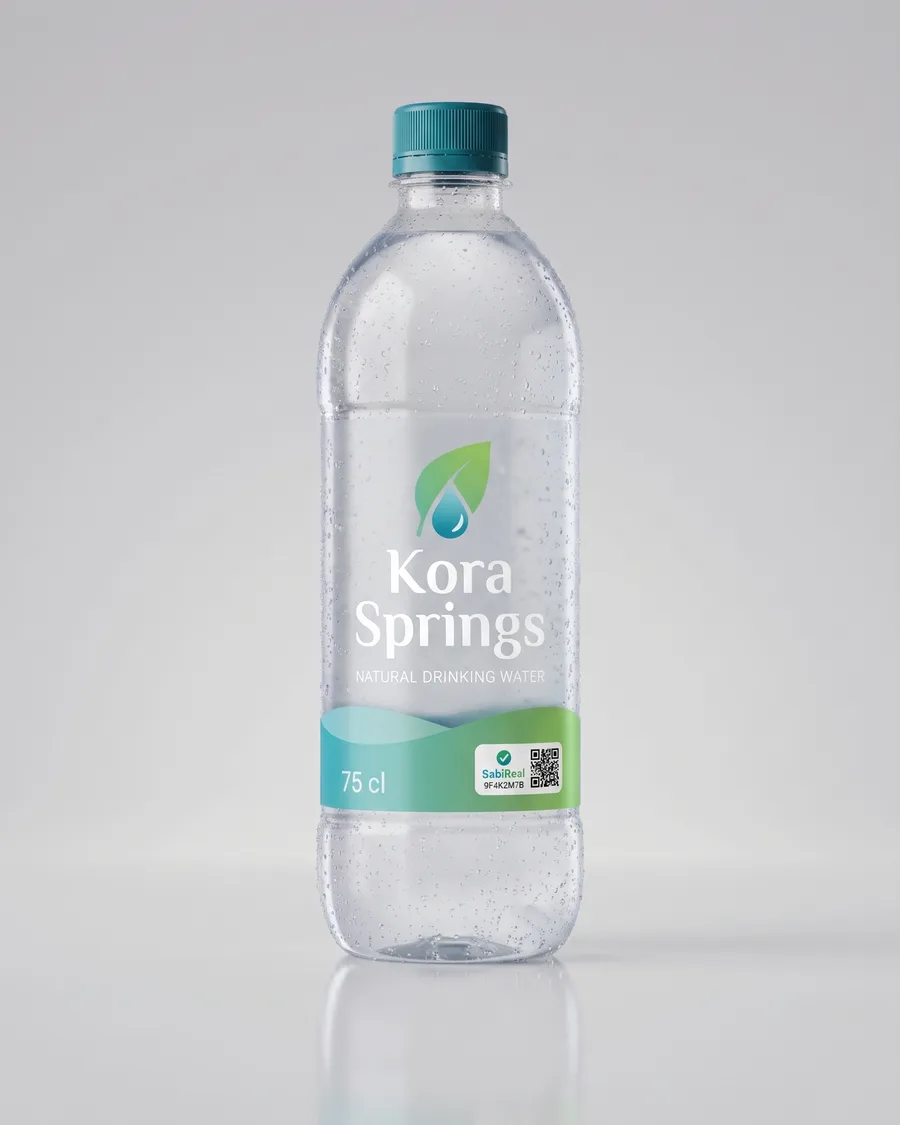
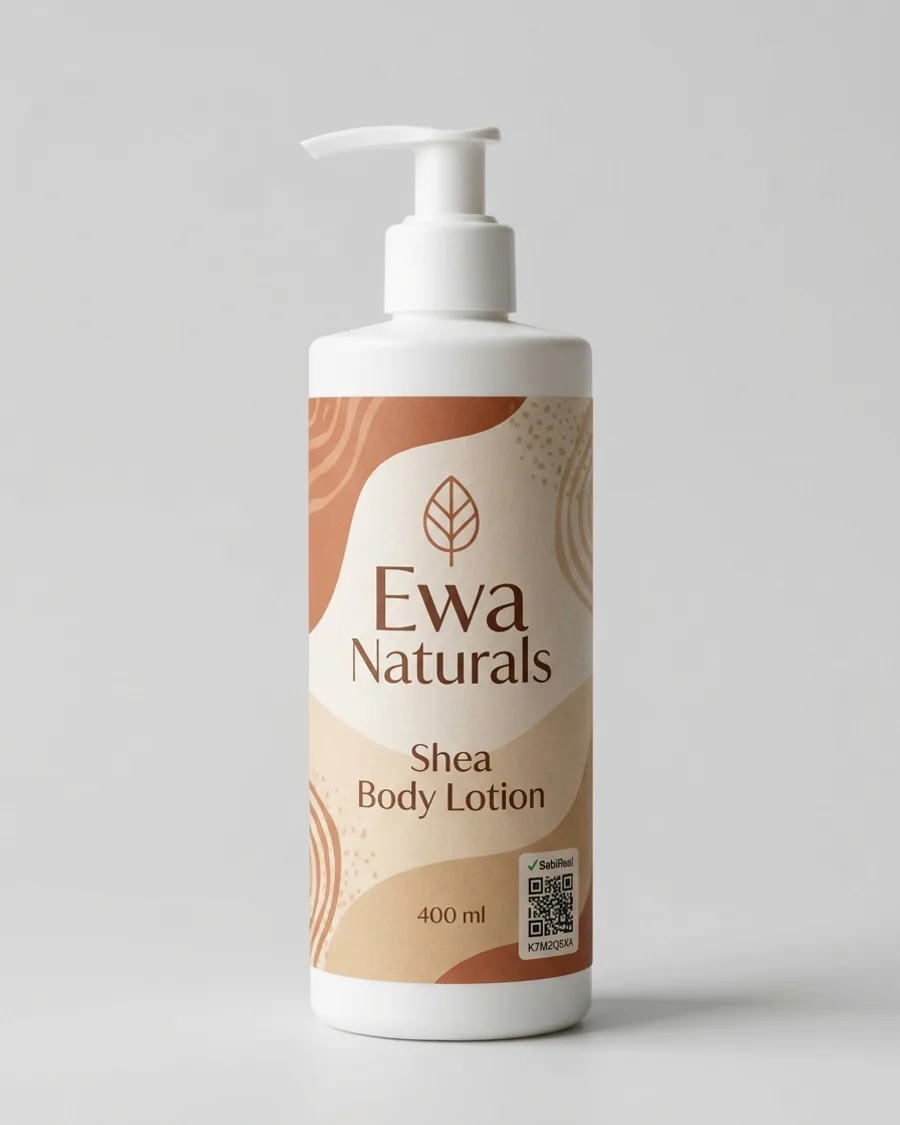
Example packs. These brands are fictional.
A check shows facts from your records. It makes no claim about quality or safety on your behalf.
Registered identity
ExampleSabiReal checks whether a product code is registered in its system. A valid code does not independently guarantee that the physical product or its contents are genuine or safe.
Register your company, complete the checks and inspection, and activate codes when your first batch is ready.